Your 3D files,
finally organized.
Organize your models, images, videos, and PDFs on Windows. Find the right file, inspect it in 3D in its real colors, and open it in your slicer.
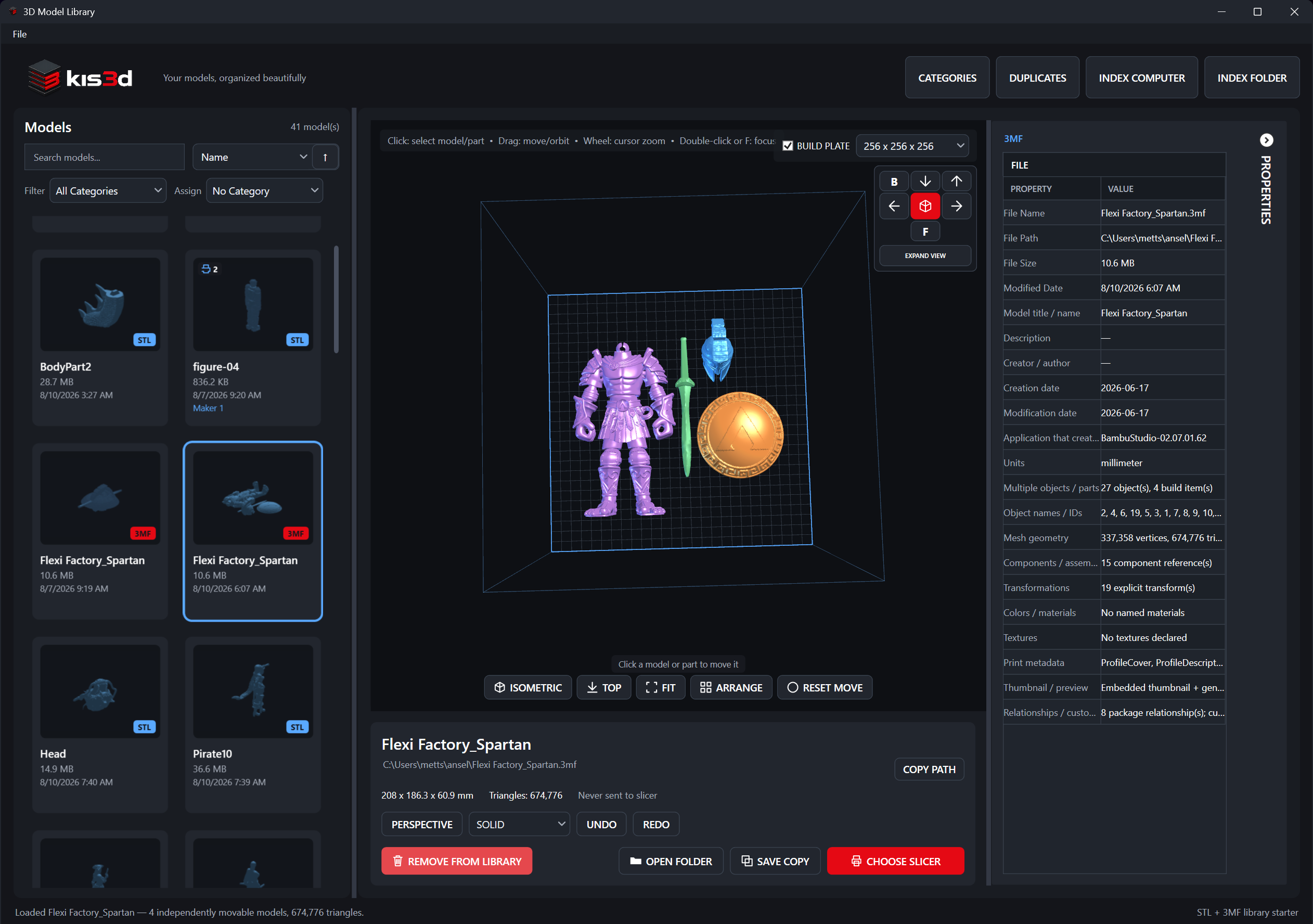
More than
model files.
Keep the rest of your project in view, too.
- 3D models
- STL3MFOBJGLBglTFPLY
- Images & reference
- ImagesVideoPDF
- Embroidery
- Tajima DST
Find the file
you meant to print.
Search across your indexed folders and drives without moving the original files.
Start with your folders.
Index a folder, a drive, or your whole computer. Your files stay where they are.
Add a file, scan a folder or drive, or index every drive on your computer at once. Kis3d indexes your 3D models, DST designs, videos, PDFs, and images. It skips unreadable folders and remembers files you removed from the library.
Take a look before
you hit slice.
Rotate a model, check its dimensions, and inspect the mesh before you open your slicer.
Supported 3D formats
- STL
- 3MF
- OBJ
- GLB
- glTF
- PLY
True color
Your model,
in its real colors.
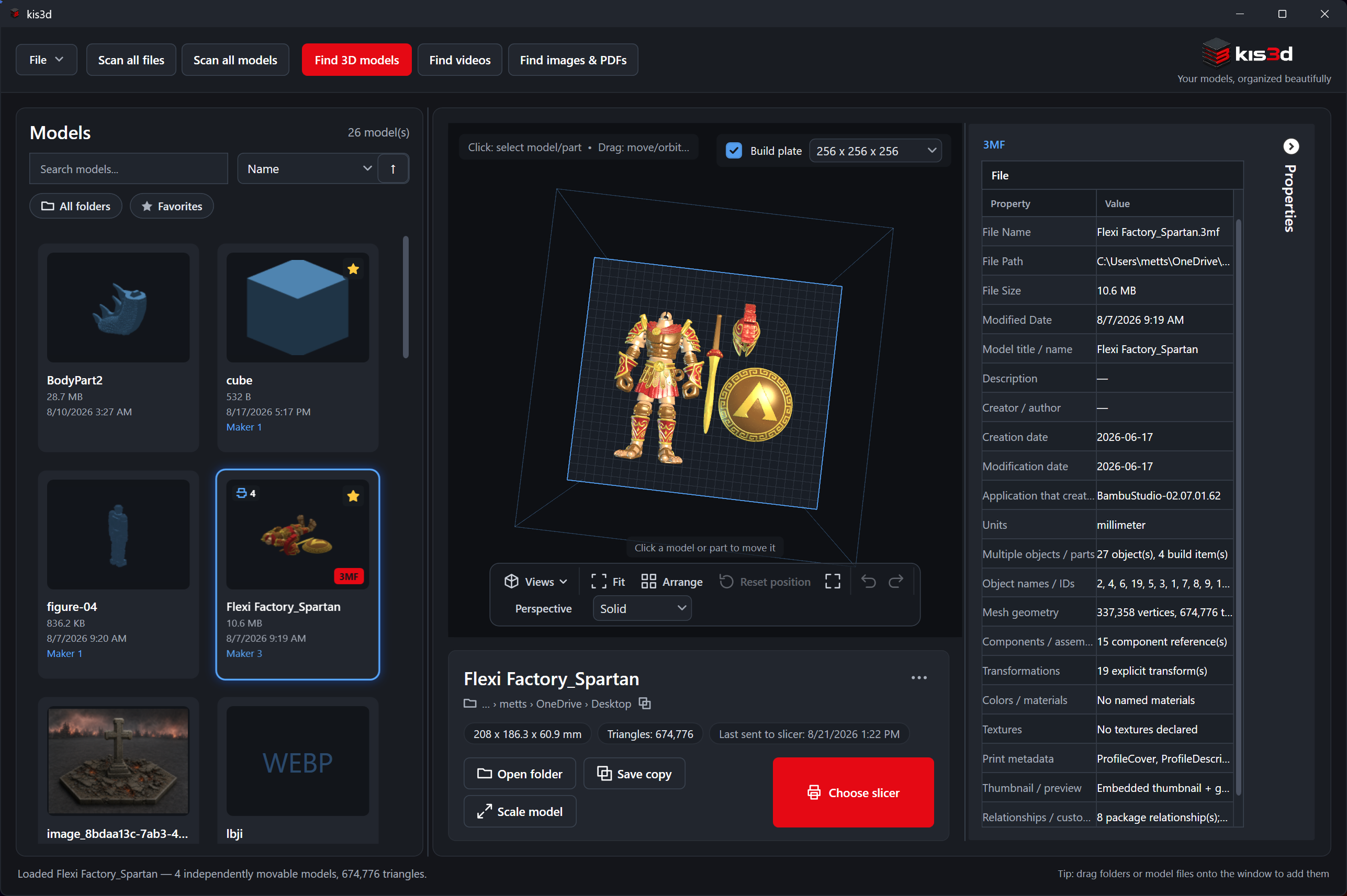
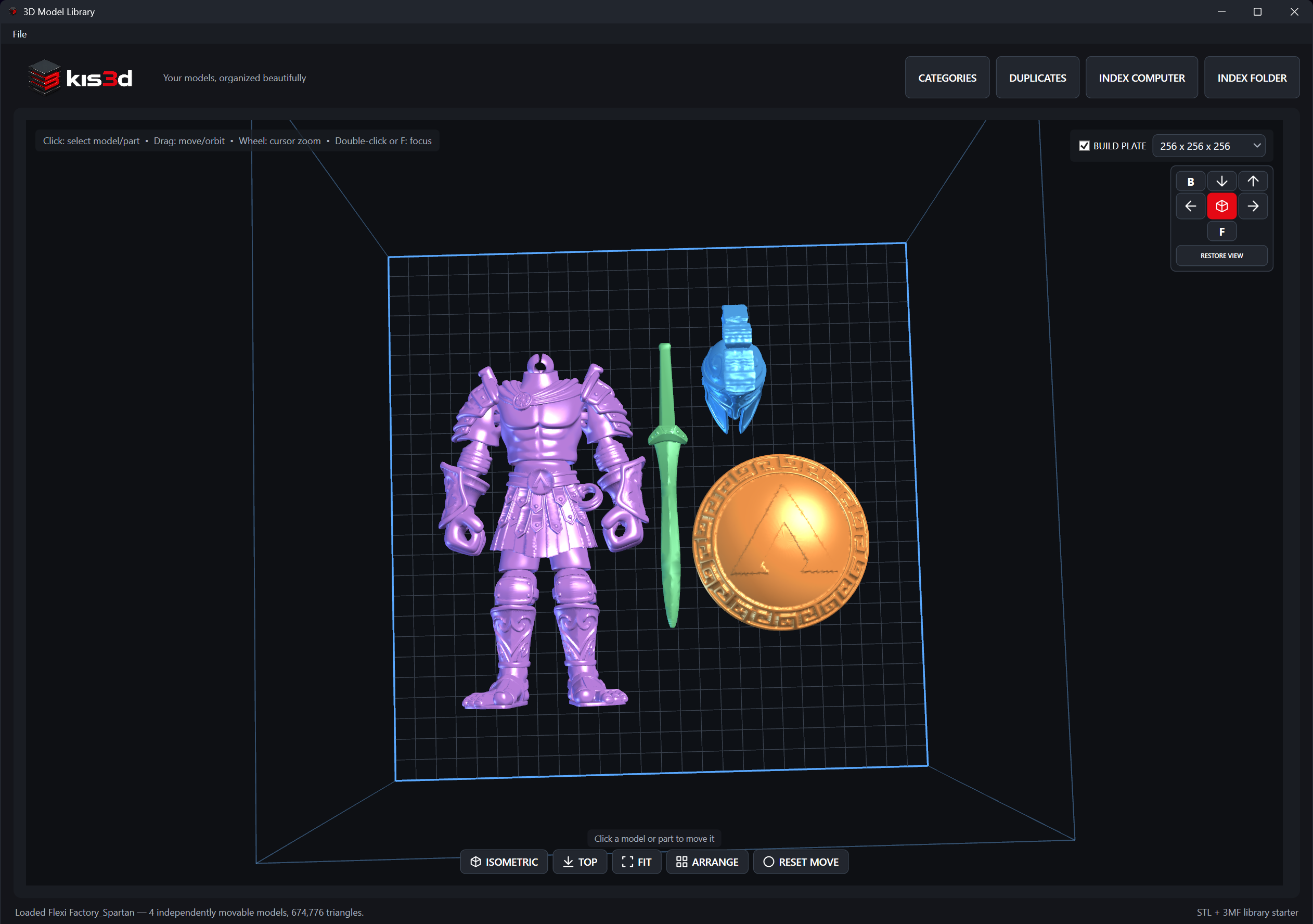
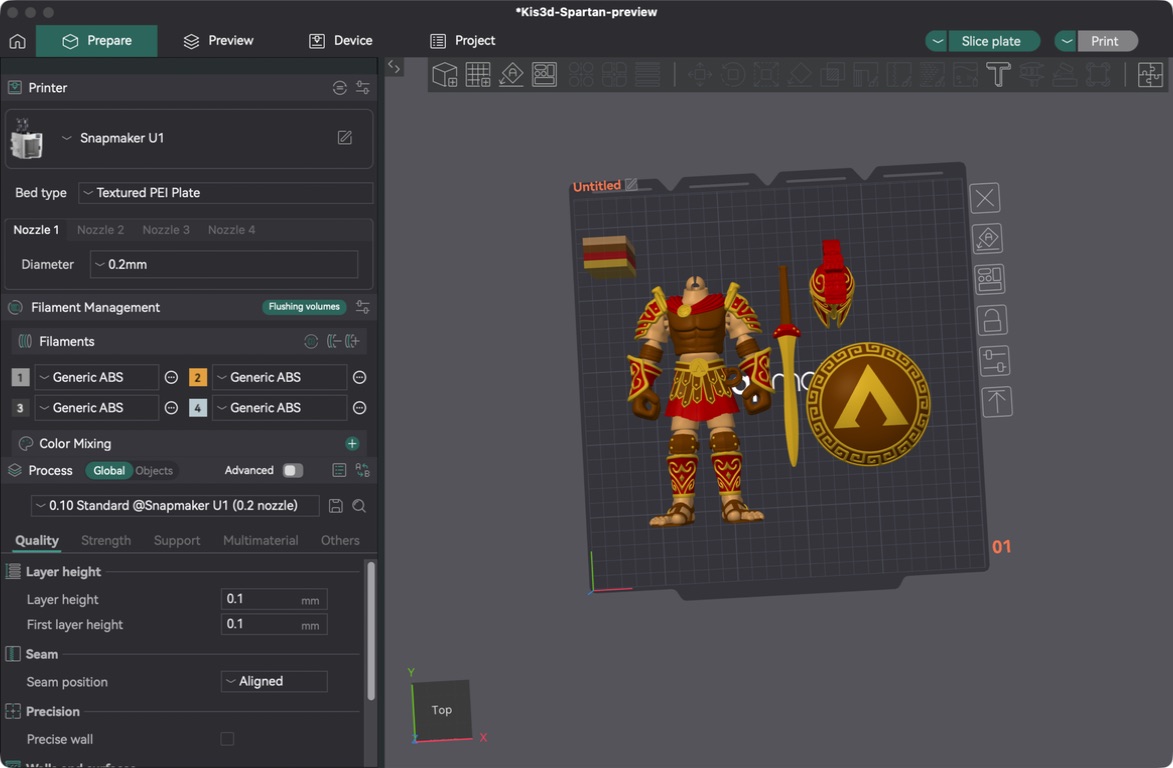
Most previews turn every model gray. Kis3d shows the colors saved in your file, so you can tell the helmet from the shield before you slice.
- 01Embedded colors, as stored3MF, OBJ, GLB, and PLY colors show up in the preview the way they were saved.
- 02Textures, UVs, and mappingsStandard model colors and textures are preserved. Models without color get a distinct color per part.
- 03Colors carry to your slicerOpen the model in your slicer and its colors come with it.
- Crimson#d23a35
- Gold#f0bb4a
- Bronze#b8803f
- Terracotta#e27752
- Cream#f3dcc0
← Drag to compare →
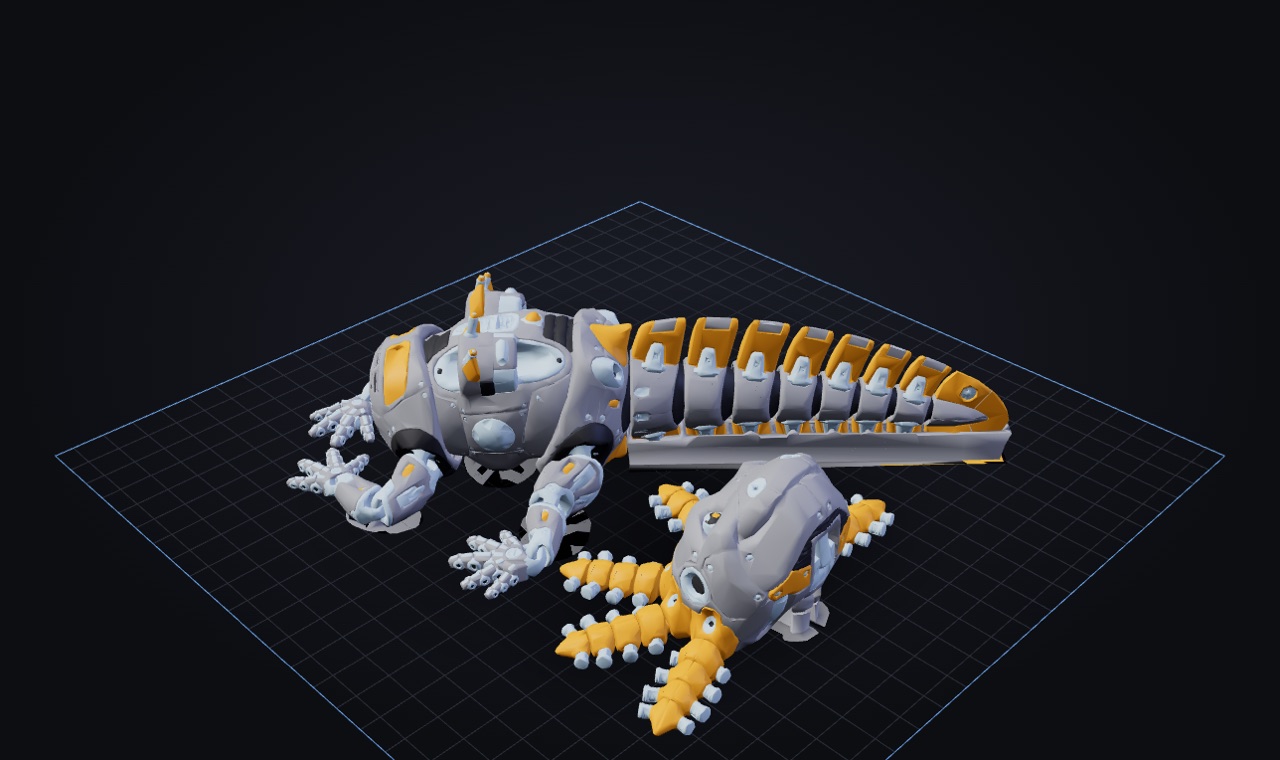
Arrange several models
in one preview.
See your parts together on the build plate. Select and arrange them, then open each model in your slicer separately.
- Distinct colors for models without embedded color
- Standard model colors and textures preserved
Original files stay unchanged. Kis3d creates temporary import copies only when your slicer needs them.
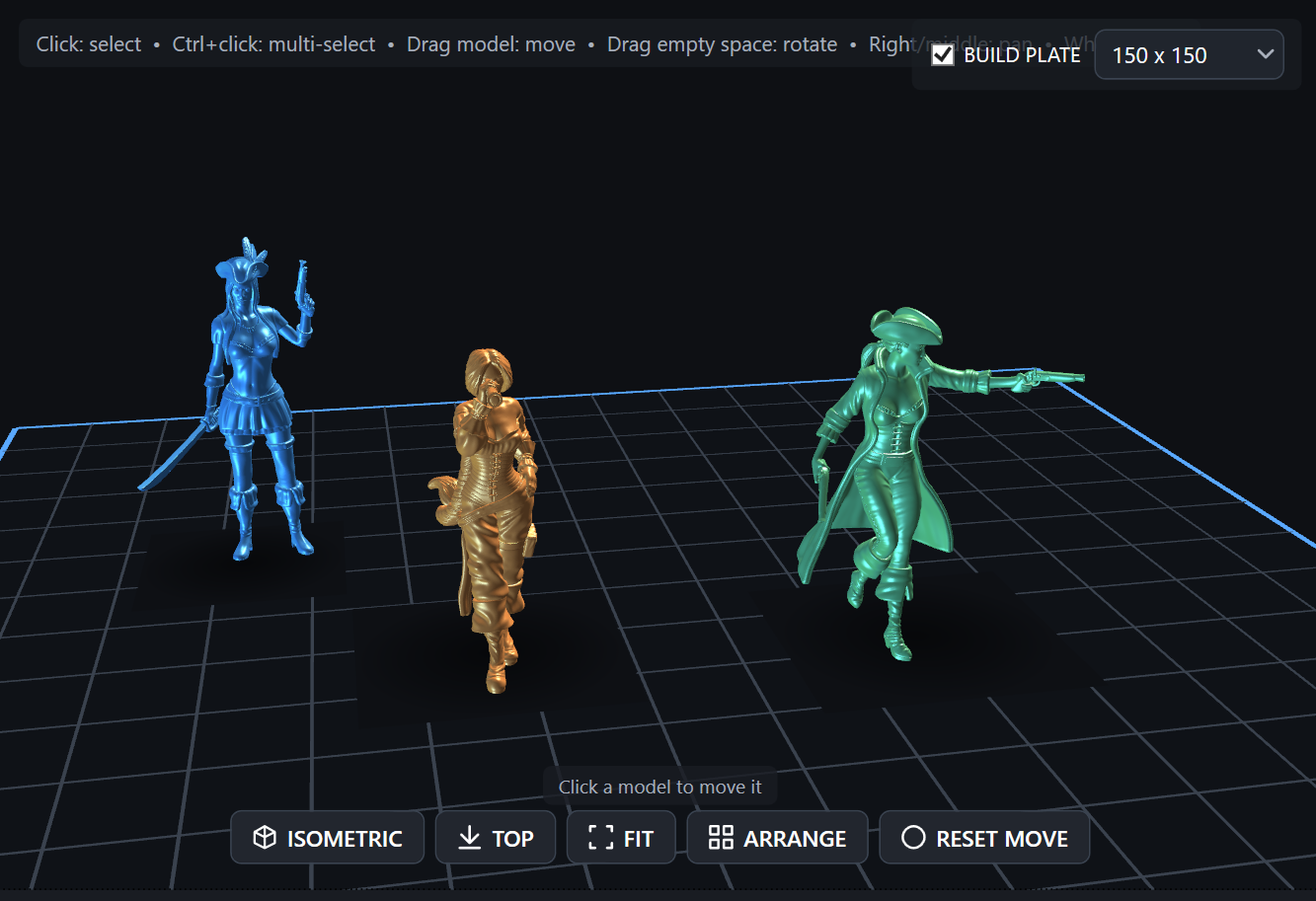 Several models, one build plateView full size
 DST embroidery
Embroidery designs,
stitch by stitch.
Open Tajima DST files in the stitch viewer to see the complete design. Export the preview as a PNG or print it for reference.
- 01Inspect the stitch pathZoom, pan, and fit the complete design to view.
- 02Check the design detailsSee dimensions, stitches, jumps, and color changes.
- 03Take a reference to your workspaceExport the preview as a PNG or print it on paper.
DST stores stitch commands, so the preview uses simulated thread colors.
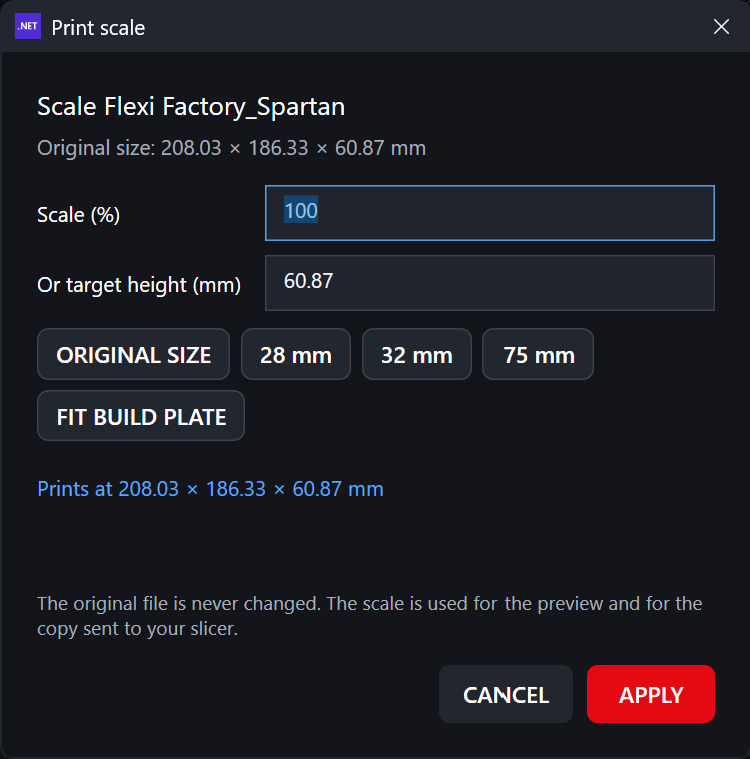
Open models in your slicer.
Print images and PDFs.
Set the size, choose your slicer, or preview an image for paper printing—all from your library.
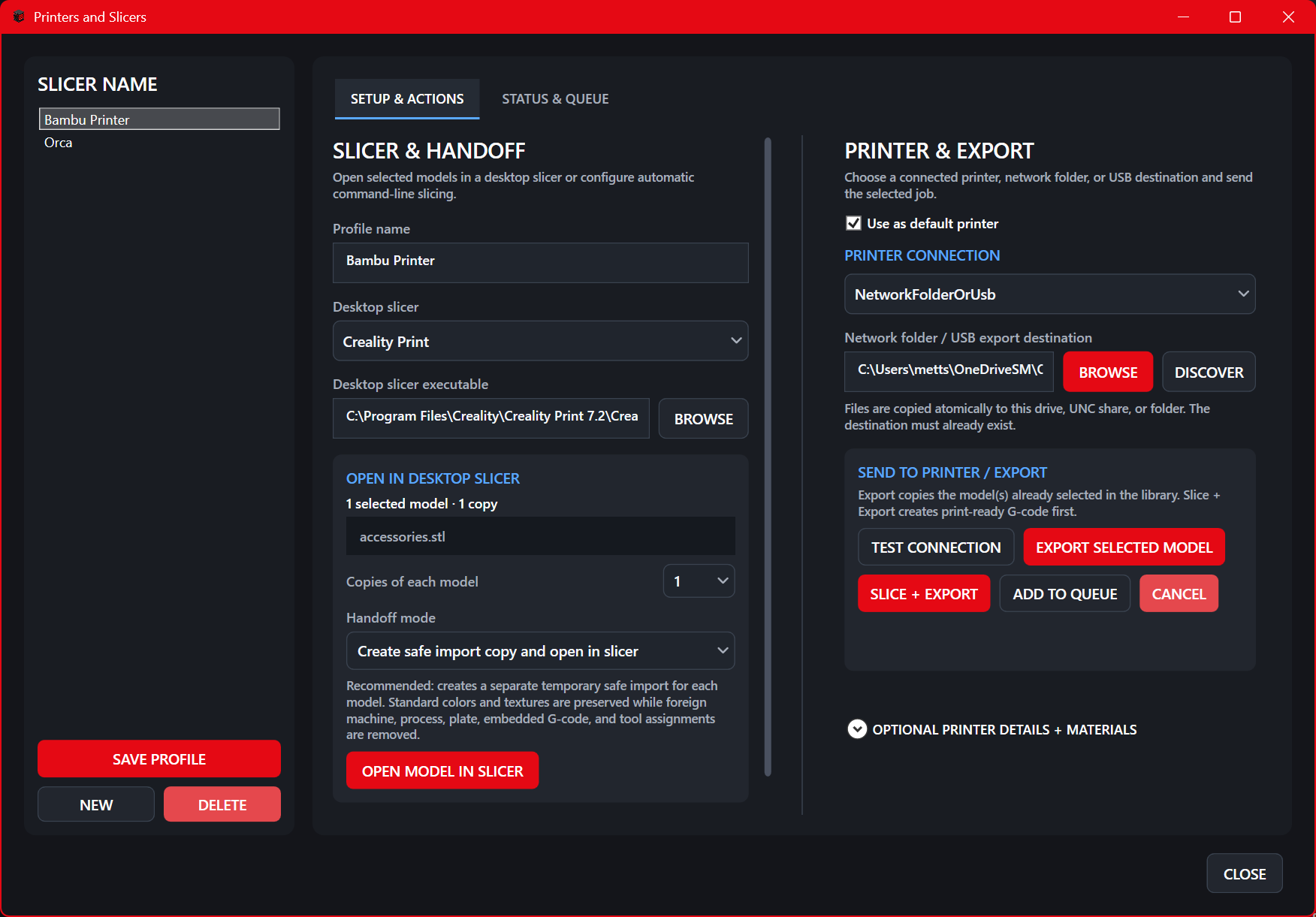
SLICE WITH
 PrusaSlicer
 OrcaSlicer
 Bambu Studio
 Creality Print
 CuraEngineCustom CLI
Kis3d detects installed slicers. You can also add a custom slicer command.
PRINT ON PAPER
Print through the standard Windows print dialog using a printer installed on your PC.
Your files.
Your computer.
A local library that keeps your collection where you saved it.
Stored locally
Your library index, thumbnails, and slicer profiles live on your computer.
Your local sign-in
Access your library with your local login and recovery code.
Originals stay intact
Index and preview your files without moving the originals.
Get Kis3d.
Make it your library.
Organize, preview, and open your models in your slicer. Start with your own collection on Windows.
Your library data and trial start date stay on your computer. The trial does not need your email address.
The seven-day trial starts at your first local library sign-in. A purchased Kis3d v1 license covers up to two computers.
Windows 10 or 11 · x64
MSI installer with runtime included.